

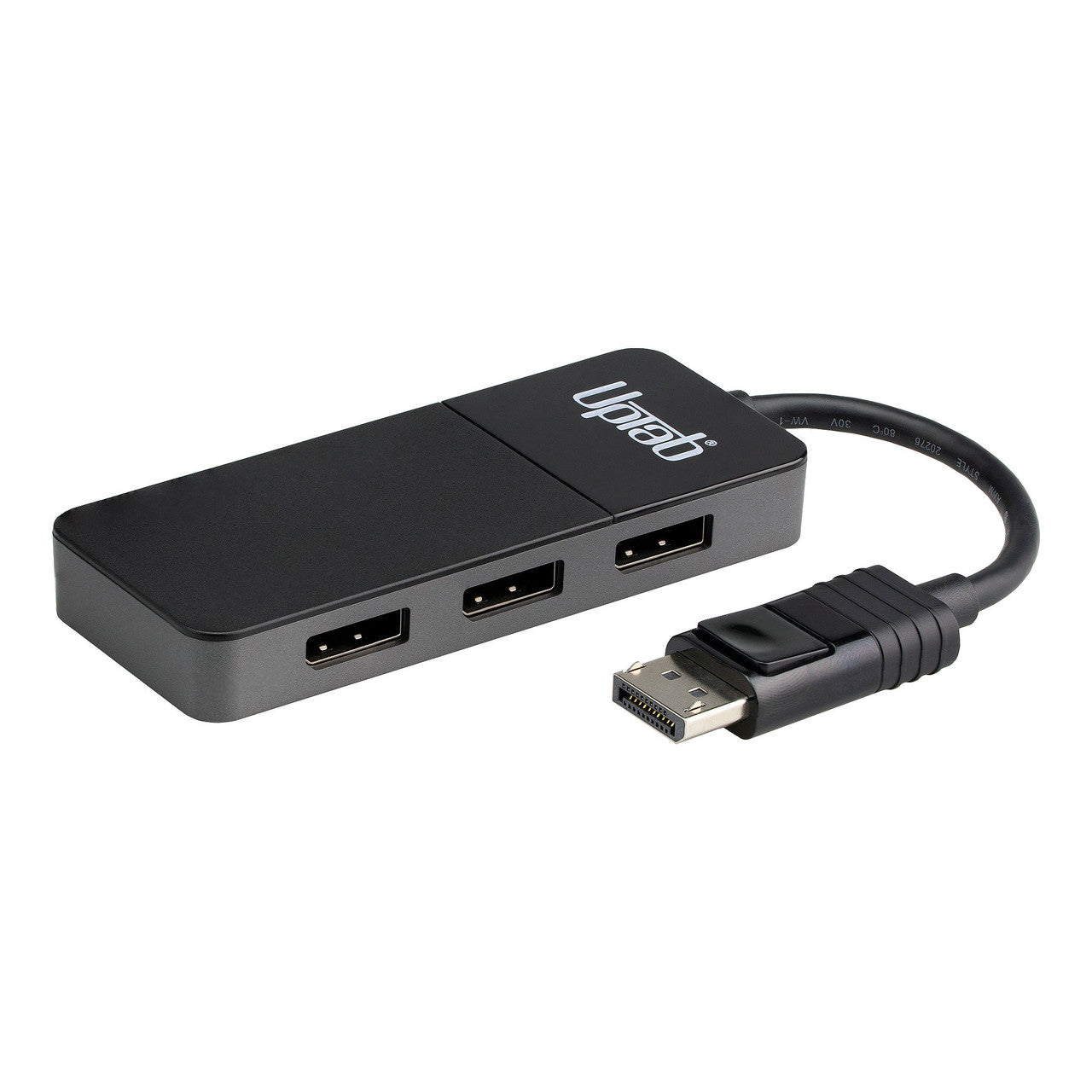

DisplayPort 1.4 to Triple DisplayPort 4K 60Hz HDR MST Adapter
About this item
Pairs well with
SAME DAY SHIPPING order by 11 AM (EST)
Free Shipping Orders Over $50
Technical Support
30 Days Return
1-Year Warranty
Product details
This UPTab DisplayPort 1.4 to 3 DisplayPort Multi-Stream Transport (MST) Hub enables three different display modes on up to three monitors connected to a single DisplayPort output. You can connect a single display at resolutions up to 8K@60Hz to mirror your computer's desktop. Add a second monitor and the hub will automatically extend the image to span the two displays at resolutions up to 5K@60Hz for each display. Connect three monitors and the hub automatically adjusts to produce a 3x1 "video wall", with the single image spanning the three displays at resolutions up to 4K@60Hz for each monitor. This hub is ideal for Gamers, Video Editors, Architects, and anyone working with ultra-high-resolution images or videos.
Multi-Stream Transport (MST) Hub: An MST Hub enables three different display modes on up to three monitors connected to a single DisplayPort output.
Duplicate Mode: You can connect a single display at resolutions up to 8K@60Hz to mirror your computer's desktop.
Extended Desktop Mode: Connect two monitors and the hub will automatically extend the image to span the two displays at resolutions up to 5K@60Hz for each display.
Video Wall Mode: Connect three monitors and the hub automatically adjusts to produce a 3x1 "video wall", with the single image spanning the three displays at resolutions up to 4K@60Hz for each monitor.

Specifications:
- Input: DisplayPort 1.4
- Output:
- Single DisplayPort 1.4 Monitor Supports display resolution up to 8K at 60Hz frame rate
- Dual DisplayPort 1.4 Monitors Supports display resolution up to 5K at 60Hz frame rate
- Three DisplayPort 1.4 Monitors Supports display resolution up to 4K at 60Hz frame rate
- Supports HDR High Dynamic Range, HDR10, HDR10+ and Dolby Vision
- Audio support up to 8 channels LPCM
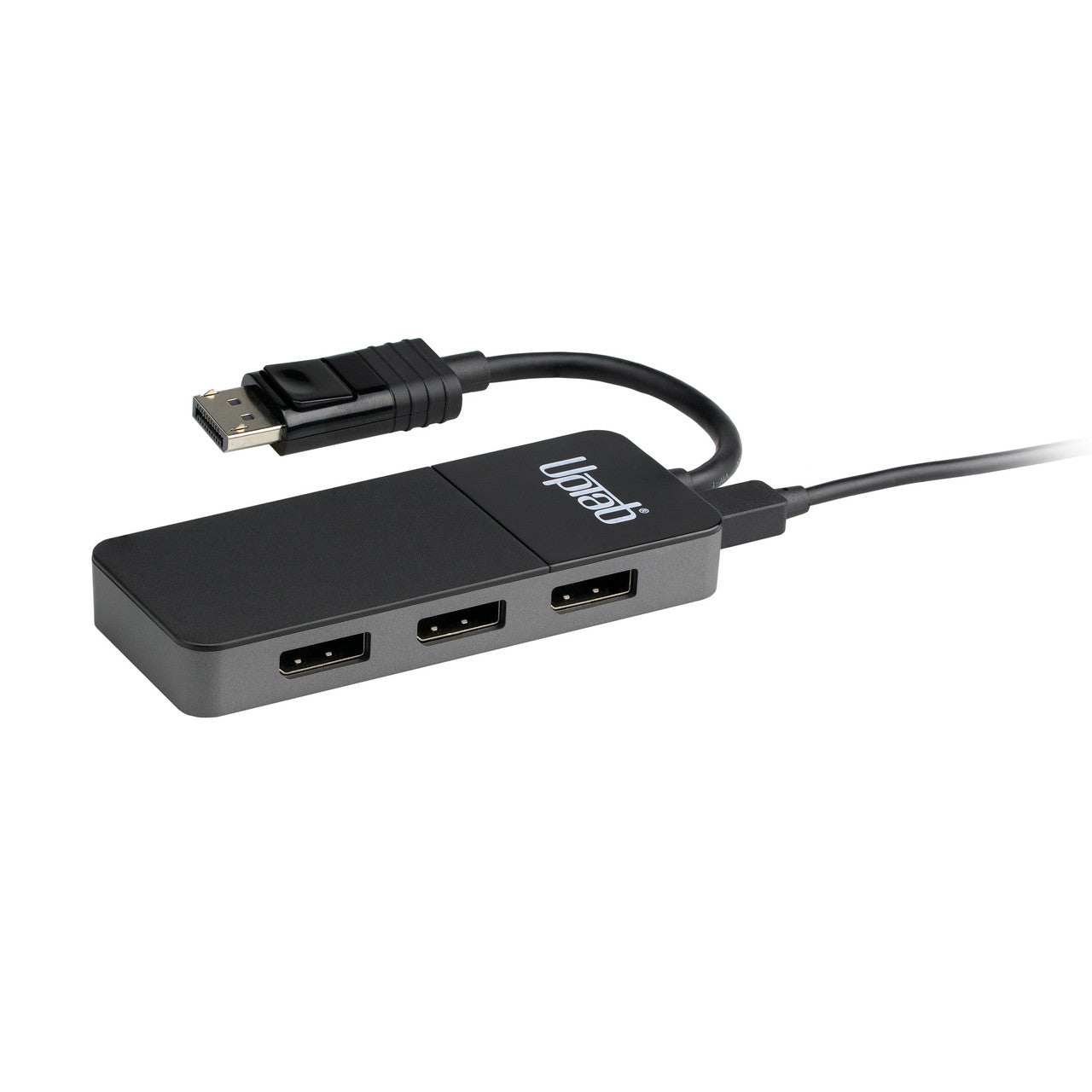
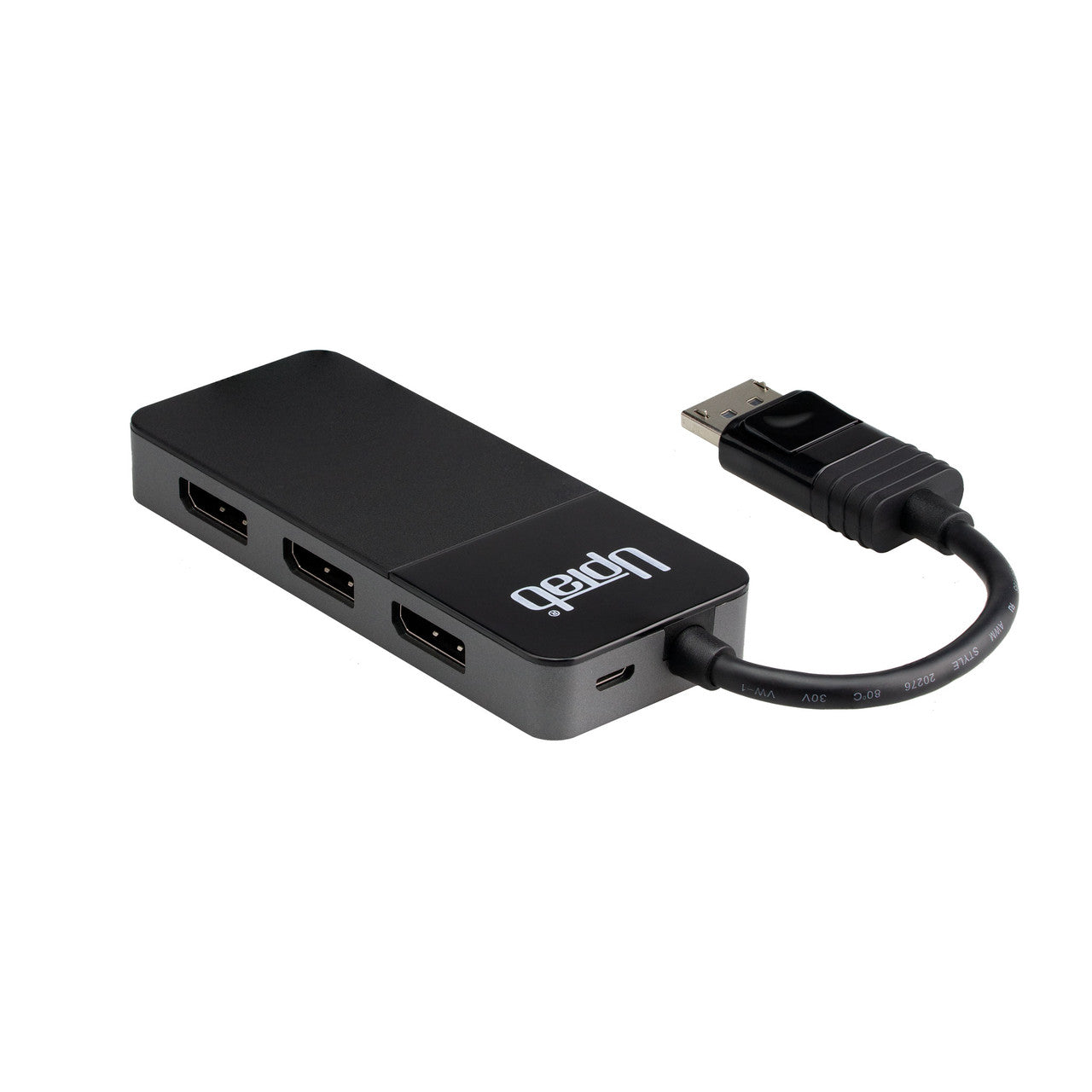
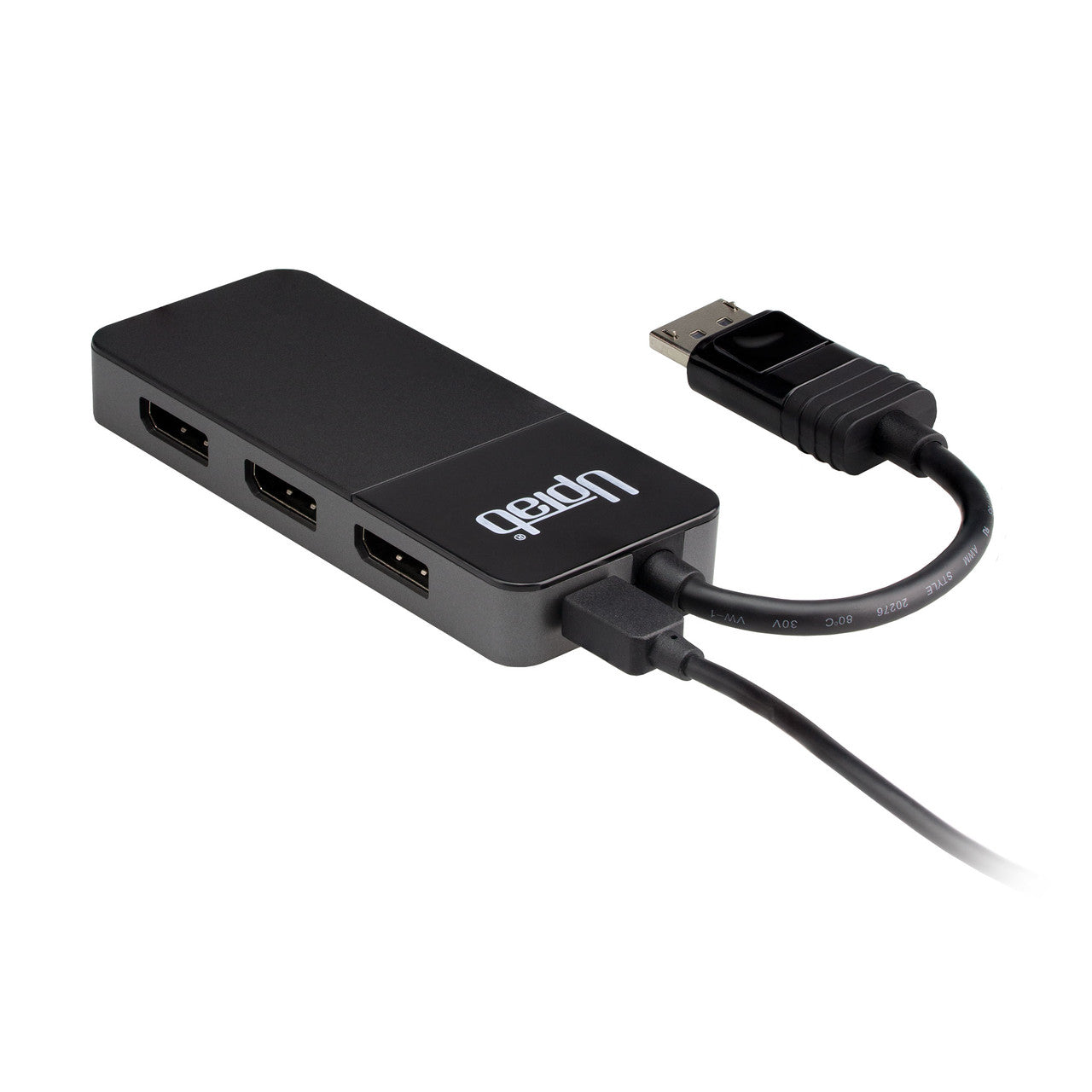
- Micro USB port for external Power (Micro USB Cable Included)
- Dimensions: 4 1/8" x 1 5/8" x 1/2"

In The Box:
- 1 DisplayPort 1.4 to 3x DisplayPort Adapter
- 1x USB to Micro USB 40" (1m) Cable
If you have any questions, you are always welcome to contact us. We'll get back to you as soon as possible, within 24 hours on weekdays.
-
Shipping Information
We process and ship most orders the same day. Delivery times vary based on your selected shipping method at checkout. Please ensure your shipping address is accurate to avoid delays.
-
Customer Support
Our team is here to help! For questions or assistance, contact us by email or through our contact form. We’ll get back to you as quickly as possible.
-
FAQ’s
When will my order ship?
Most orders are processed and shipped the same day. Delivery time depends on the shipping option selected at checkout.
What is your return policy?
Items may be returned within 30 days in original packaging with all accessories included. -
Contact Us
Have questions or need help? We’re here for you.
Customer Service available Mon - Fri 9am - 5pm (EST)
Email: cs@uptab.com
Phone: 1 (877) 333-1505
Or use our contact form—we’ll respond promptly.
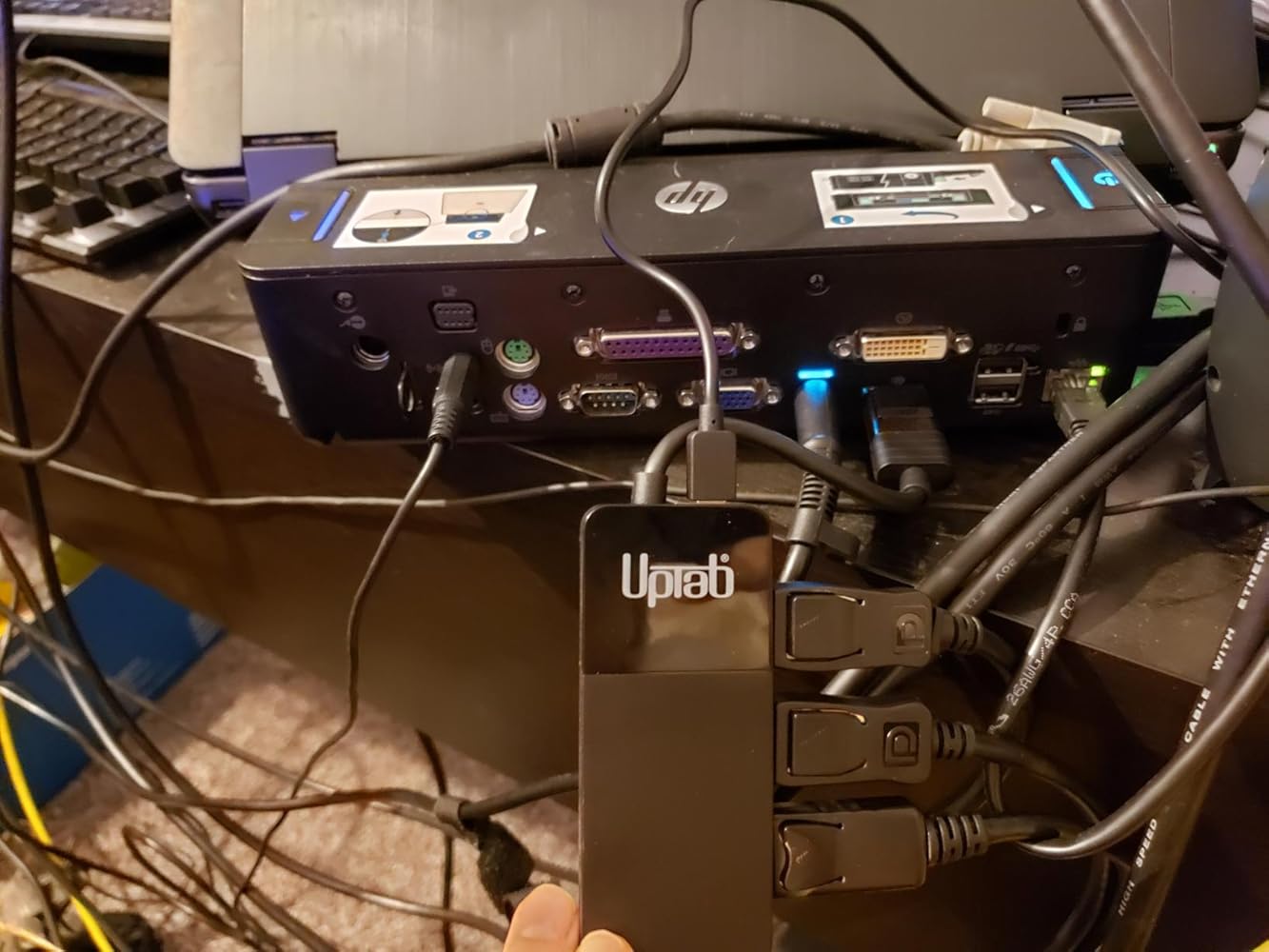
I needed something to connect 3 27" 1440p 144Hz monitors that I normally have connected directly to my desktop (2080ti graphics card) to a docking station for my work computer while I'm working from home. The 2080ti supports DisplayPort 1.4 while the docking station/laptop only supports 1.2 (HP Zbook 15 G2) so I wanted something that would work for both. This was the cheapest I could find that supports DP 1.4 and has 3+ ports and so far it's working great.Some caveats that I've found is there are some limitations for both computers. On the laptop I can do two monitors at 1440p @ 60Hz and the third at 1080p @ 60Hz. This is purely a limitation of the computer/docking station though because I can run all 3 at 1440p on the desktop. However on the desktop I can only run them up to 120Hz, and I can't run all of them that high. It seems I can run 1-2 at 100 or 120Hz and the third at 60Hz.I was also having some issues with screens flickering and green/red dots moving around the screens in dark areas, but that was only on the laptop. After blowing out the docking station a little and plugging the connector back in a few times it seems to be working fine. I also wasn't able to use a USB port on the docking station to power it, but using a USB port on the laptop itself, a charging brick, or a USB port on another computer worked without any issues. I suspect this is because of how the USB ports work on my docking station with a keyboard and mouse already connected.Even though I've only been using it for a week or so, I would highly recommend this hub over spending 2-3x as much on a new docking station with 3 DisplayPort connectors or buying a similar 3-port hub locally.
At first it was working terribly, slowing my computer down and preventing it from waking from sleep. Then I updated my graphics card driver and it works just fine :)I'm running 3x 1080p monitors at 60hz with a GTX 1050 ti.-----------------Update: stopped working after 3 months, when I moved my computer to a different room. Apparently it broke from gentle handling, because no settings changed, and I confirmed that the power cable still worked.
So far so good. Been using about a month and it works as expected
Two Samsung C32H711 32-inch curved monitors running at 2560 x 1440 60Hz on Linux Ubuntu 16.04 LTS with AMD video drivers working perfectly. Preparing to add to 2 additional monitors (similar spec) and this additional DP MST Hub. To install the DP MST hub I just powered down, plugged in its USB power supply into the PC, plugged in the MST hub, powered up and all is well.
This doesn't always work. Sometimes I can view two monitors sometimes only one. Never can I see all three monitors.
Nice one, works perfectly.
Works great with my computer monitor set up. Simple, easy, gets the job done with no issues as of present.
This is a must if you have three monitors
The product works great. I'm currently running 3 1080p monitors (2x60Hz & 1x144Hz) with absolutely no issues. Thank you.
It works great! I have no problem with it. It uses a usb to mini-usb to power it on. So if it is not working for you, check to make sure its plugged in.
Splits the signal into 3x so 144 hz divided into 3 is what you get from each plug (48 hz) which is useless if you want your monitors to run at least 60hz which makes this total garbage to me .
Despite what description indicates - if you have two displays they will each top out at 30Hz.Others have noted the same thing, but it's important to pile on until they correct the description.
With everything going on I had started to work from home and was sent home with my work computer and one monitor. I decided to use that monitor in addition to my own - which was fine for the work computer but my home computer had one displayport output. I grabbed this hub (after making sure my video card could handle it) and within 10-15 minutes had a working dual monitor system on my home computer as well. It's been several weeks and no issues yet!
I changed out to a new desktop computer and the only output for a monitor was a single DisplayPort 1.4 outlet. I wanted to use two monitors in extended mode, and this hub did the trick. I can't say anything about how it works in the long term, but right now it is working perfectly.
I have triple 1440p 144Hz monitors with RTX 2080. It works as promised. I was able to run all three at max resolution with 144Hz using extended display. I have both left and right monitors connected to the splitter in my case.Also, I use 4th single monitor for productively and playing FPS games. My hope was to have all 4 monitors using DP and to seamlessly switch between the single monitor and the triples. I was able to do that for the most part. I did have several instance where the side monitors would flicker off & on and required a restart.Unfortunately, I could not get Nvidia Surround working using the DP splitter. I play a couple of racing titles require running Nvidia surround. I tried making a custom resolution but it caused my computer to restart unfortunately. I know I have an extreme setup so I that's why I gave it 4 stars. It should probably be fine for just extending/duplicating displays as described.
Works at it should and as expected
Free Shipping Over $50
Same-Day Shipping on Most Orders